Secure Your Spot Inside
April 21st-23rd, 2026 @7PM CST / 8PM EST

LIMITED SEATS AVAILABLE - ACT NOW AND SECURE YOUR SPOT!


Secure Your Spot Inside
April 21st-23rd, 2026 @7PM CST / 8PM EST
LIMITED SEATS AVAILABLE - ACT NOW AND SECURE YOUR SPOT!

April 21st-23rd, 2026 @7PM CST / 8PM EST
HERE'S WHAT YOU'LL LEARN
Learn the Proven Strategies to Scale Your Credit Business, Automate Your Systems, and Maximize Profits Without Burnout
DAY 1: Automate & Systemize Your Business
● The #1 mistake keeping you invisible online.
● How to grow a massive audience for free in 30 days.
● The secret to turning followers into buyers without selling.
🎯 Outcome: Participants will have a clear, step-by-step audience growth plan.
Discover the tools and automations that save hours of manual work
Build efficient systems that streamline client management and fulfillment
Learn how to set your business up to run smoothly—even while you sleep
DAY 2: Master Marketing & Ads
● The #1 mistake keeping you invisible online.
● How to grow a massive audience for free in 30 days.
● The secret to turning followers into buyers without selling.
🎯 Outcome: Participants will have a clear, step-by-step audience growth plan.
Learn Brandon’s proven strategies to attract consistent, high-quality clients
Set up marketing systems that bring predictable results
Turn your message into momentum and your audience into paying clients
DAY 3: Build the Right Business Structure, Teams & SOPs
● The #1 mistake keeping you invisible online.
● How to grow a massive audience for free in 30 days.
● The secret to turning followers into buyers without selling.
🎯 Outcome: Participants will have a clear, step-by-step audience growth plan.
Set up a solid business foundation built to scale
Create Standard Operating Procedures (SOPs) that simplify daily operations
Learn how to delegate effectively and free up your time
Learn how to build your team, manage growth, and lead with confidence
Get the roadmap to building a sustainable, 6-figure virtual credit repair company
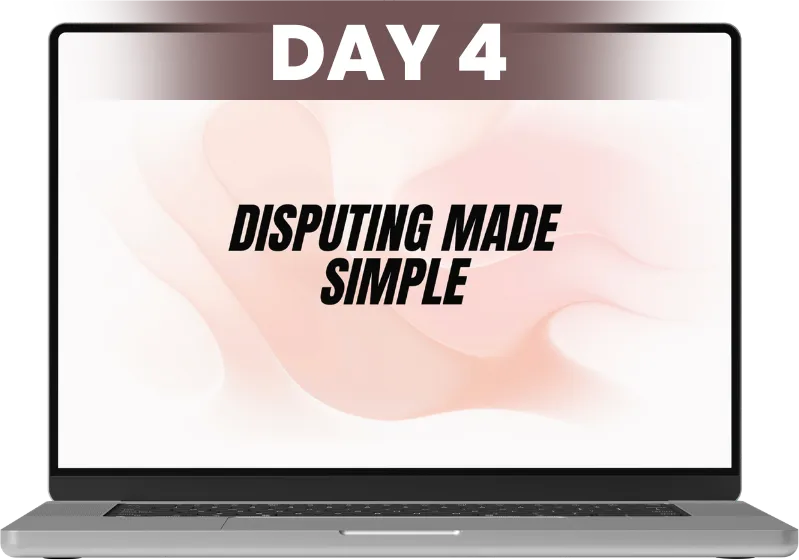
DAY 4: Disputing Made Simple
● The #1 mistake keeping you invisible online.
● How to grow a massive audience for free in 30 days.
● The secret to turning followers into buyers without selling.
🎯 Outcome: Participants will have a clear, step-by-step audience growth plan.
Master the dispute process with effective, compliant strategies
Learn how to deliver faster and more reliable results for clients
Streamline your dispute systems to maximize fulfillment and client trust

DAY 5: Scale to 6 Figures & Beyond
● The #1 mistake keeping you invisible online.
● How to grow a massive audience for free in 30 days.
● The secret to turning followers into buyers without selling.
🎯 Outcome: Participants will have a clear, step-by-step audience growth plan.
Hear from experts who’ve scaled their credit repair businesses successfully
Learn how to build your team, manage growth, and lead with confidence
Get the roadmap to building a sustainable, 6-figure virtual credit repair company
Learn the Proven Strategies for Sustainable and Growing Revenue
Tickets are limited, secure your spot now!

Rose Brisby
Entrepreneur & Credit Education Expert
Rose Brisby, widely known as “Rose Credit”, is a respected entrepreneur, financial educator, and founder of Rose Credit Repair and Rose Credit Academy. She has dedicated her career to helping individuals and business owners understand, rebuild, and leverage credit to achieve financial freedom and stability.
Through her companies, Rose has empowered thousands of people to improve their credit scores, secure funding, and build stronger financial futures. Her passion for teaching financial literacy inspired her to create online training programs, digital courses, and educational resources designed to simplify the credit repair process for everyday people.
Rose is recognized for her motivational approach, practical strategies, and commitment to transforming lives through financial education. Her mission is to show others that with the right knowledge and systems, anyone can take control of their credit and create lasting generational wealth.

Rose Brisby
Entrepreneur & Credit Education Expert
Rose Brisby, widely known as “Rose Credit”, is a respected entrepreneur, financial educator, and founder of Rose Credit Repair and Rose Credit Academy. She has dedicated her career to helping individuals and business owners understand, rebuild, and leverage credit to achieve financial freedom and stability.
Through her companies, Rose has empowered thousands of people to improve their credit scores, secure funding, and build stronger financial futures. Her passion for teaching financial literacy inspired her to create online training programs, digital courses, and educational resources designed to simplify the credit repair process for everyday people.
Rose is recognized for her motivational approach, practical strategies, and commitment to transforming lives through financial education. Her mission is to show others that with the right knowledge and systems, anyone can take control of their credit and create lasting generational wealth.
BENEFIT CONTENT HERE!
● Insider Strategies – Secrets from top credit CEOs.
● Ready-to-Use Tools – Templates to implement systems fast.
● Live Coaching – Get answers and guidance during the challenge.
● Profit Without Burnout – Grow revenue while staying balanced.
● Community Support – Connect with ambitious credit entrepreneurs.
THEN THIS CHALLENGE IS DESIGNED FOR YOU!
Build the confidence and systems to grow revenue without burnout.
WHY YOU NEED TO JOIN THIS CHALLENGE
1
Scale Without Burnout
Learn how to grow your credit business to 6-figures while keeping your sanity.
2
Automate Your Systems
Discover the systems we use and strategies that save time and make your business run on autopilot.
3
Learn to build a team
Your profits are nothing team to stop the 24-7 work.
4
Gain Clarity & Confidence
CGet the guidance you need to make smart business decisions with certainty.
5
Actionable, Step-by-Step Training
Walk away with strategies you can implement immediately to see results. And Double Your Profits
Take Action Now and Learn How to Scale, Automate, and Profit Without Burnout!
WHAT’S INCLUDED IN THE 3-DAY CHALLENGE
General Admission
ONLY $27

What's Included
Access to the 3 days live session
Access to the homework and resources
Access the Gen telegram group
Replays for 24 hours
(Replays will be made available after the challenge concludes.)
Extra 1 hour of Q&A
Vip zoom background badge
Pre event kickoff call
30 min accountability & Mindset call before each day
VIP ADMISSION (Recommended)
ONLY $67

What's Included
Access to the 3 days live session
Replays for 7 days
(Replays will be made available after the challenge concludes.)
Access to VIP telegram group
Access to the homework and resources
Extra 1 hour of Q&A
Plat zoom background badge
Pre event kickoff call
Plat zoom background badge
Platinum ADMISSION
ONLY $97

What's Included
30 min Accountability & Mindset call before each day's session
Pre event kickoff call
Extra 1 hour of Q&A
Replays for 7 days
(Replays will be made available after the challenge concludes.)
Access to the 3 days live session
Access the Platinum Telegram group
Platinum Zoom background
Access to the homework and resources
This script lets you show different content in the pop-up based on which button you click. The URL of the button must be a matching CSS class in the pop up. For example: ".pop-01" would display the row with the CSS class "pop-01".
Also, each button has the CSS class "btn-pop" so we can attach our click events to them.
This button has the CSS class "btn-popup" so we can use it to toggle the pop up. You'd normally hide this in a hidden section at the bottom of the page.
Add jQuery to your page. Normally I add this to the footer or a hidden section at the bottom of the page with the rest of my scripts.
Add your button/pop-up controller here - AFTER jQuery
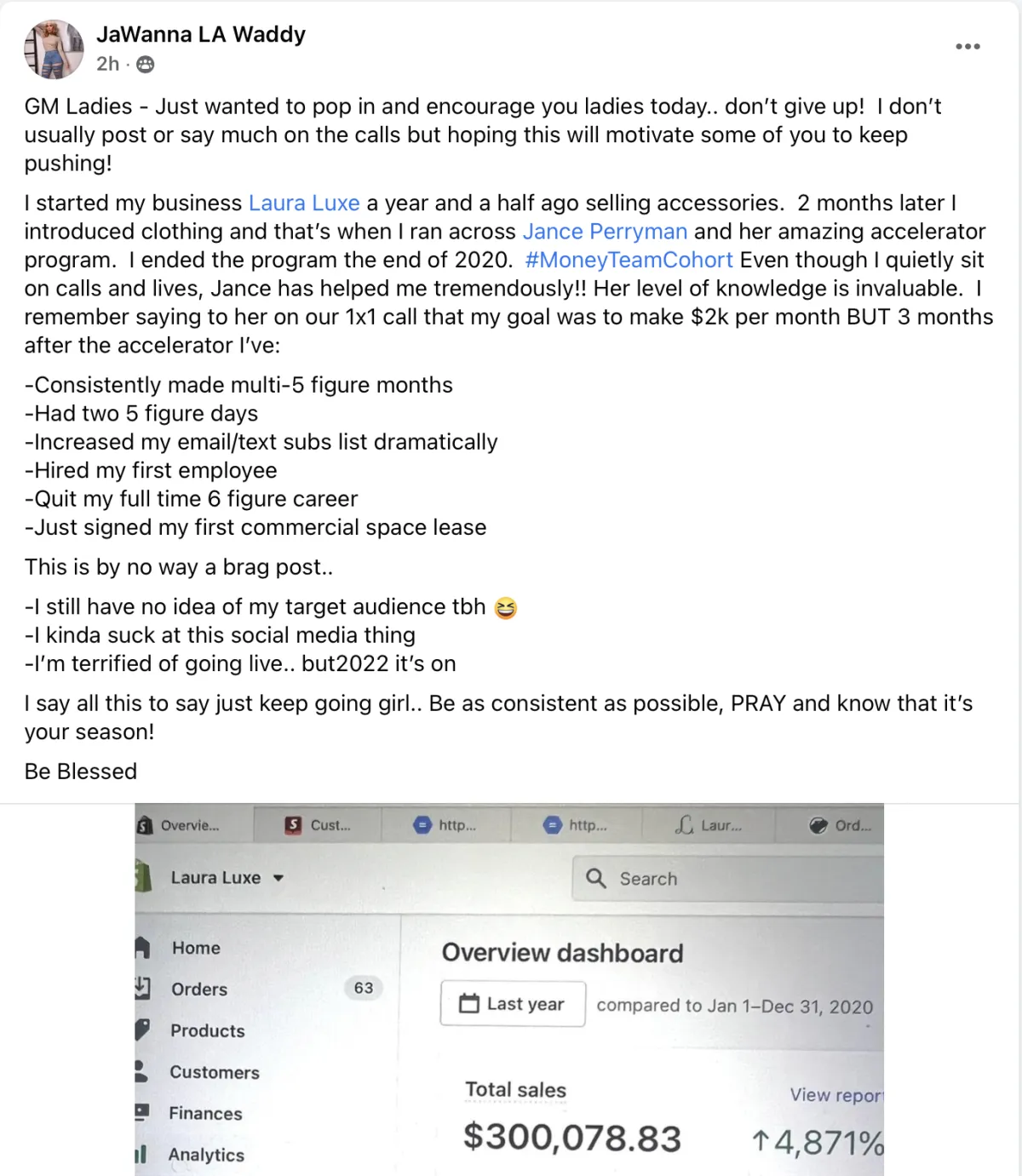
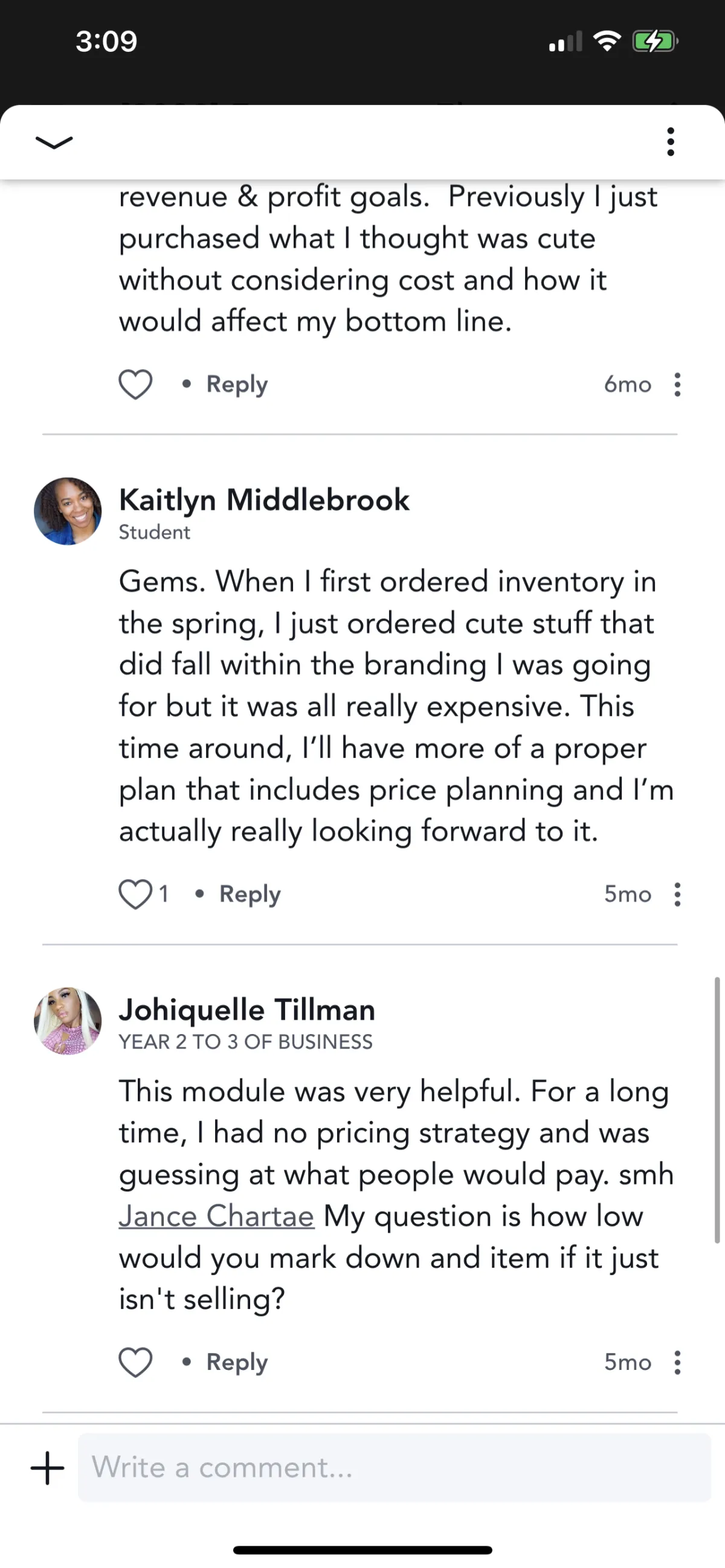
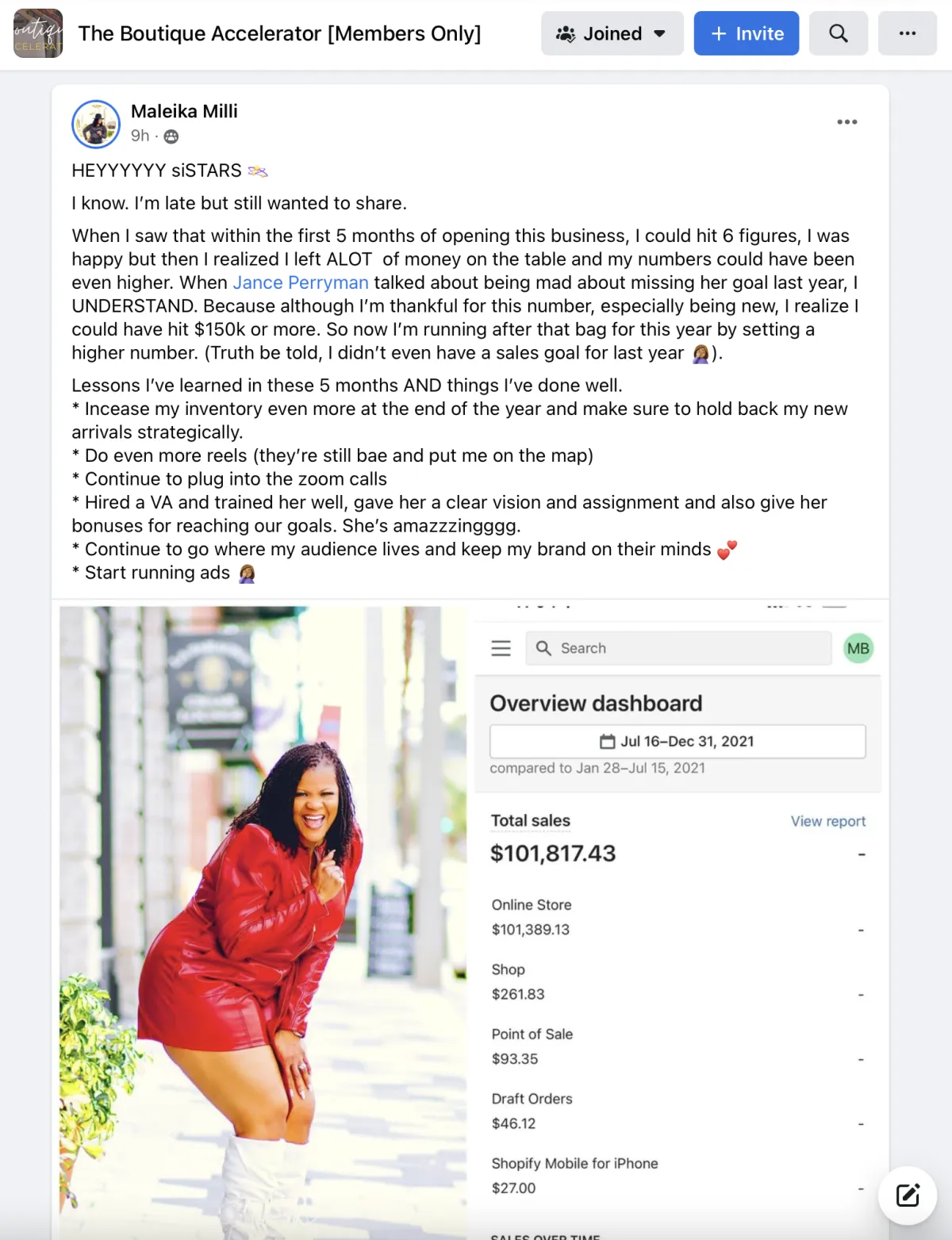
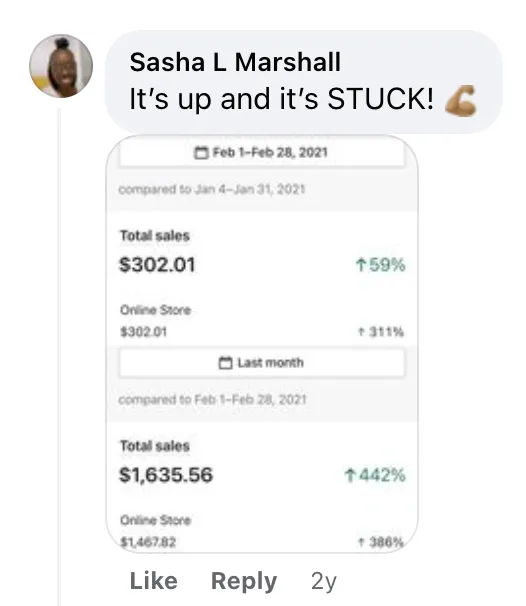
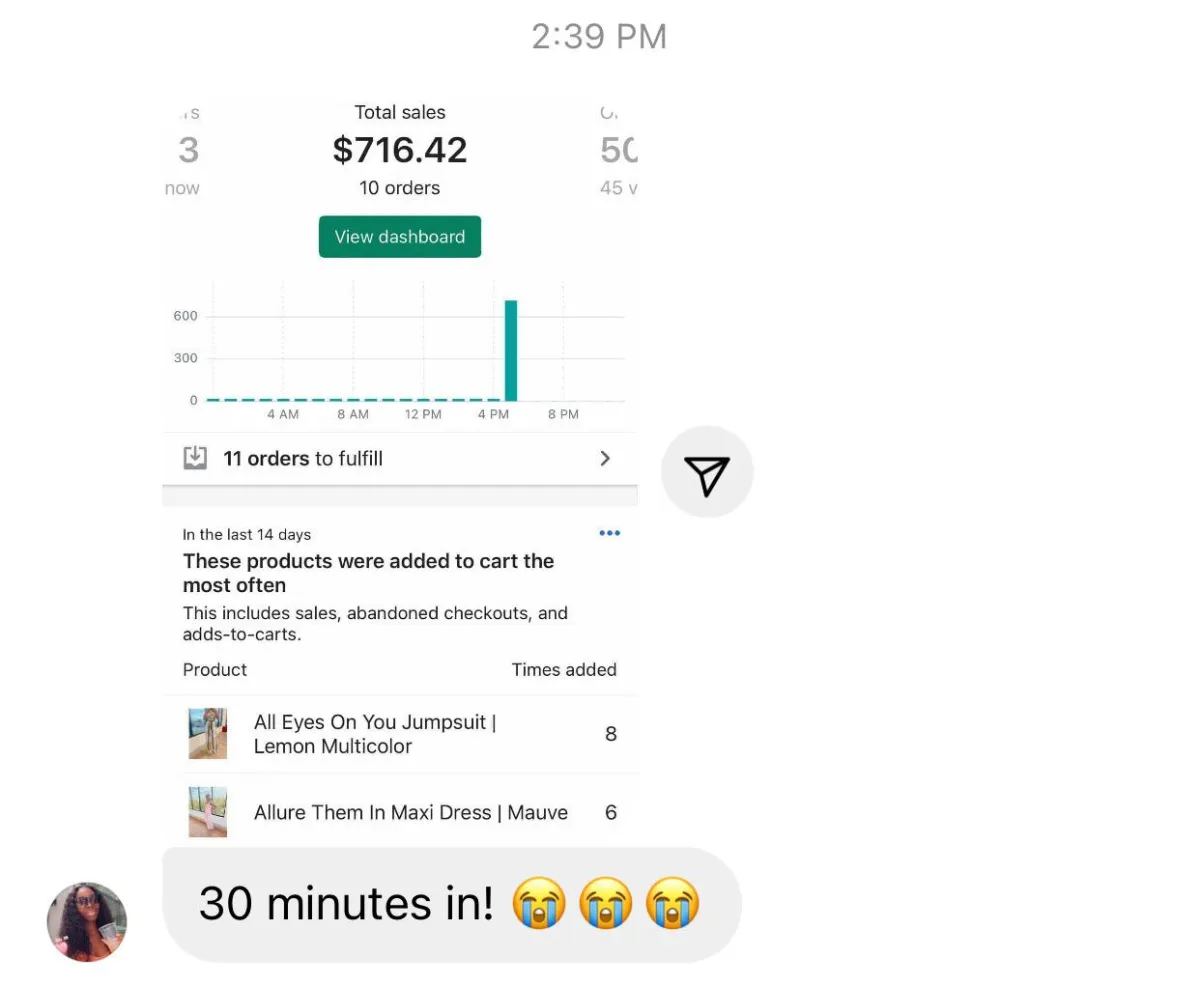
Real Results. Real People.
Just Imagine... This Could Be You!

Take Charge of Your 6-Figure Credit Business Today
Learn the proven strategies to grow revenue while saving time and energy.
THIS CHALLENGE IS YOUR OPPORTUNITY TO:
● Maximize Profits using proven strategies that create sustainable revenue
● Attract High-Quality Clients consistently without spending a fortune on ads
● Gain Insider Secrets from Top Credit CEOs and avoid common mistakes
Seize This Chance to Build Sustainable Wealth!
Learn the proven strategies top credit CEOs use to grow.
Secure Your Spot Now and Join Us on April 21st-23rd, 2026 @7PM CST / 8PM EST DAILY!

Copyright © 2026 | Terms of Service | Privacy Policy
INCOME DISCLAIMER : Although we make every effort to accurately represent the services and/or products presented on this website, makes no assurance, representation or promise regarding future earnings or income, or that you will make any specific amount of money, or any money at all, or that you will not lose money. Earnings or income statements, or examples of earnings or income, represent estimates of what you may earn; however, there is no promise or guarantee that you may experience the same level of earnings or income. There is no assurance that any prior success or past results regarding earnings or income may be an indication of your future success or results.